
AutoCAD_Starter_Kit_for_Engineering_Students_Career_with_PVJ (1)
Published: 12-11-2026 at 02:22 pm
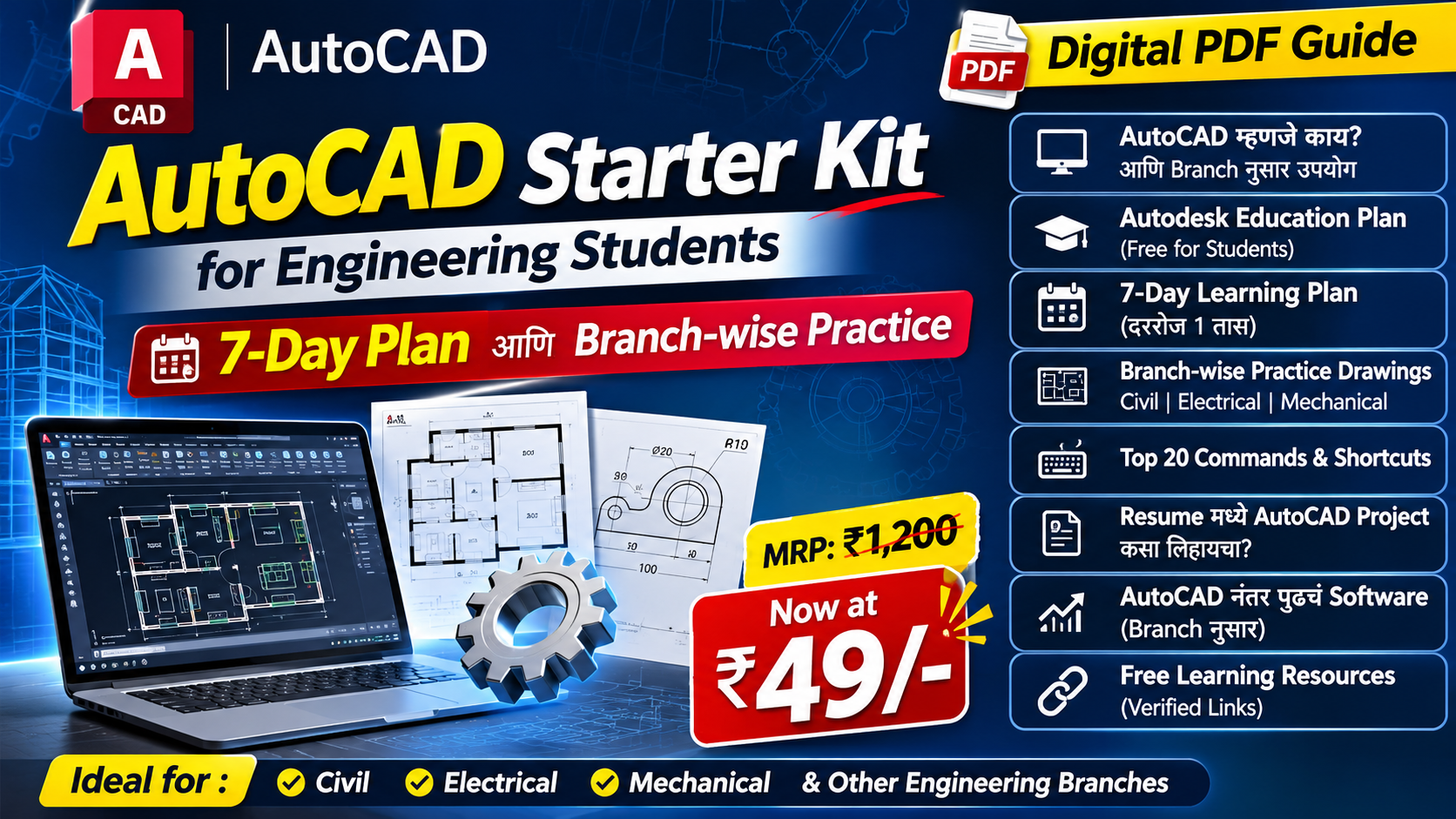
📐 AutoCAD Starter Kit for Engineering Students
Learn AutoCAD from Scratch | 7-Day Learning Plan | 3 Practical Projects | Resume & Interview Preparation
Confused about where to start learning AutoCAD?
Are you a Diploma or Engineering student who wants to develop practical CAD skills but doesn't know which commands to learn, how to practise or how to build projects?
This guide is designed to solve exactly that!
Introducing the AutoCAD Starter Kit by Career with PVJ – an 18-page practical guide that takes you from understanding the AutoCAD interface to creating your own branch-wise engineering drawings.
Whether you are from Civil, Electrical or Mechanical Engineering, this guide provides a structured roadmap to start learning AutoCAD.
🚀 What You Will Get Inside This PDF
1. AutoCAD Fundamentals
- What is AutoCAD and where is it used?
- Branch-wise applications of AutoCAD.
- AutoCAD vs AutoCAD LT.
2. Legal Ways to Access AutoCAD
- Autodesk Education Plan.
- Student eligibility and important conditions.
- Free Trial information.
- Free alternative: LibreCAD.
3. Interface, Coordinates & Basic Settings
- Understanding the AutoCAD interface.
- Units and coordinate systems.
- Essential settings for accurate drawings.
4. Command Reference with Keyboard Shortcuts
- Draw commands.
- Modify commands.
- Dimension and annotation commands.
- Layers, Blocks and utility commands.
- Essential shortcuts to improve drafting speed.
5. Layers, Dimensions, Blocks & Plotting
- Organising professional drawings.
- Dimension styles and annotations.
- Creating and inserting blocks.
- Exporting drawings into PDF.
6. Your 7-Day AutoCAD Learning Roadmap
- Just 1 hour of practice every day.
- Daily learning targets.
- Practical tasks and checkpoints.
- Mini challenges to improve your skills.
7. Three Branch-wise Practical Projects
🏠 Civil Engineering: Create a Residential Floor Plan with dimensions, doors, windows and room layouts.
⚡ Electrical Engineering: Prepare a Single Line Diagram (SLD) of a 415 V, 3-phase electrical distribution system.
⚙️ Mechanical Engineering: Create a Flange Plate Drawing with orthographic views, dimensions, holes and centre lines.
8. Common Mistakes & Productivity Tips
- 10 common beginner mistakes.
- Professional drafting practices.
- Productivity shortcuts.
- Drawing review checklist.
9. Resume, Portfolio & Interview Preparation
- How to mention AutoCAD projects in your resume.
- How to build a technical drawing portfolio.
- 15 important AutoCAD interview questions with answers.
10. What to Learn After AutoCAD?
Discover the next software skills according to your engineering branch:
- Civil: Revit, STAAD.Pro, ETABS.
- Electrical: ETAP, DIALux, MATLAB/Simulink.
- Mechanical: SolidWorks, CATIA, Creo, ANSYS.
- Instrumentation: PLC and SCADA.
Bonus: 30-Day Skill Development Roadmap
A practical roadmap to complete your projects, build your portfolio, update your resume and start learning your next software skill.
🎯 Who Should Buy This Guide?
- Diploma Engineering Students
- B.E. / B.Tech Students
- Civil Engineering Students
- Electrical Engineering Students
- Mechanical Engineering Students
- Engineering Freshers
- Students preparing for technical interviews
💰 Special Offer
/Actual MRP: ₹1,200/
NOW ONLY ₹49!
Get your digital copy and start developing practical engineering drafting skills.
📌 Product Details
- Format: Digital PDF
- Total: 18 Pages
- Language: Marathi + English
- Level: Beginner
- Delivery: Digital download
- Created by: Prof. Prasad Vasant Joshi (PVJ), Career with PVJ
Important: This is an educational learning guide, not an official Autodesk product or certification. Autodesk Education access is subject to eligibility and licensing conditions. Completing this guide does not guarantee a job, salary or placement.
Personal use only. Reselling, uploading or sharing the PDF is not permitted.
Career with PVJ
तुमच्या Engineering Career ला योग्य दिशा!
Learn Smart. Practise Daily. Build Your Skills. 🚀
₹49